Subdomain takeover is a vulnerability that occurs when attackers can claim a subdomain that is no longer in use due to misconfigured DNS records. This guide demonstrates how to identify and responsibly test Framer subdomain vulnerabilities.
What Does a Vulnerable Subdomain Look Like?
Subdomains hosted on Framer are prime targets for takeover. These include:
*.framer.website*.framer.ai*.framer.photos*.framer.media*.framer.wiki
Or custom domains showing the message “Sign up for Framer to publish your own website” or the title “Page Not Found Framer”. These domains are typically associated with inactive or abandoned projects on the Framer platform.
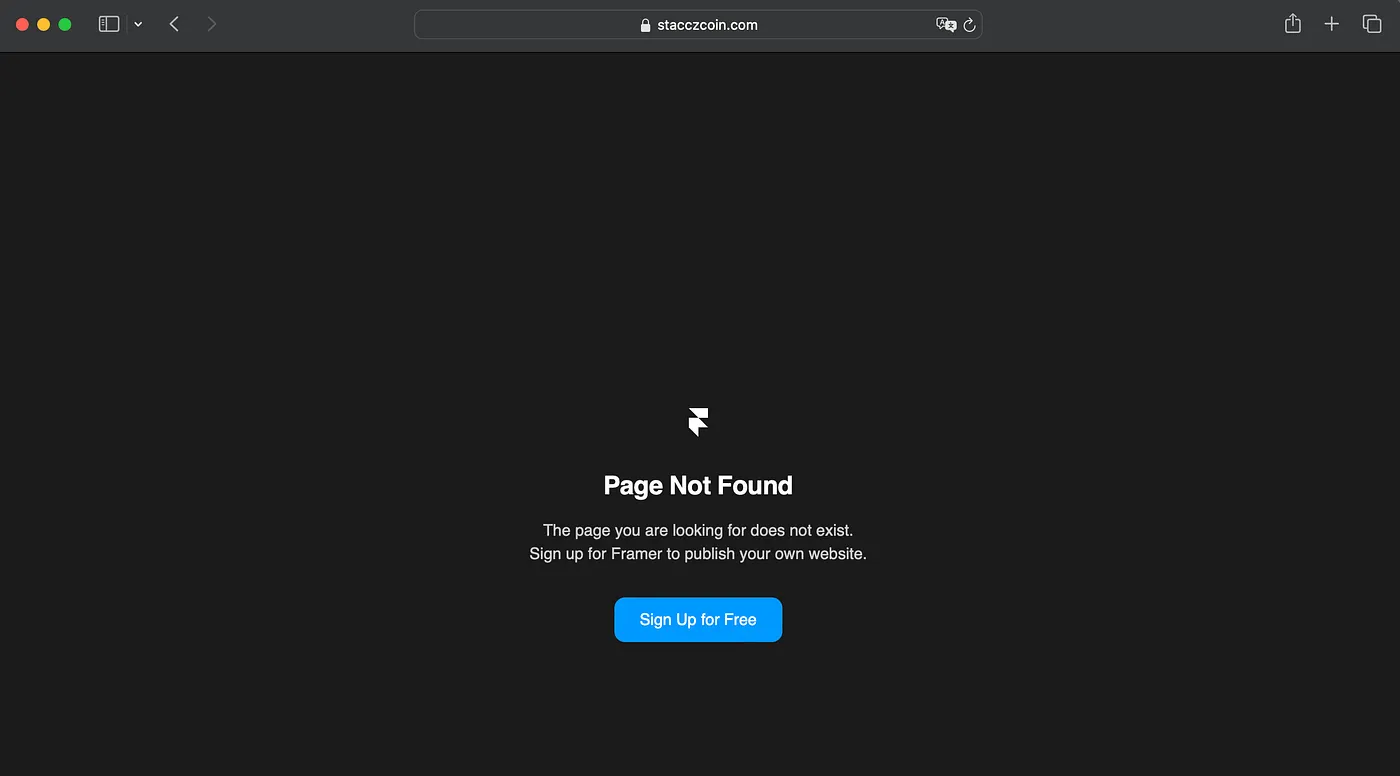
By following a few simple steps, you can take over a vulnerable subdomain and gain control over its content.
Steps to Perform a Subdomain Takeover
- Sign Up for Framer: Visit login.framer.com and create an account.
- Create a Page: After completing your signup, you will be directed to the Framer project dashboard. Click on the “Page” feature in the dashboard. You can select any page, whether it’s an existing one or a new one.
- Publish the Page: In the top-right corner, click on “Publish.” This will allow you to set up the publishing options for your page.
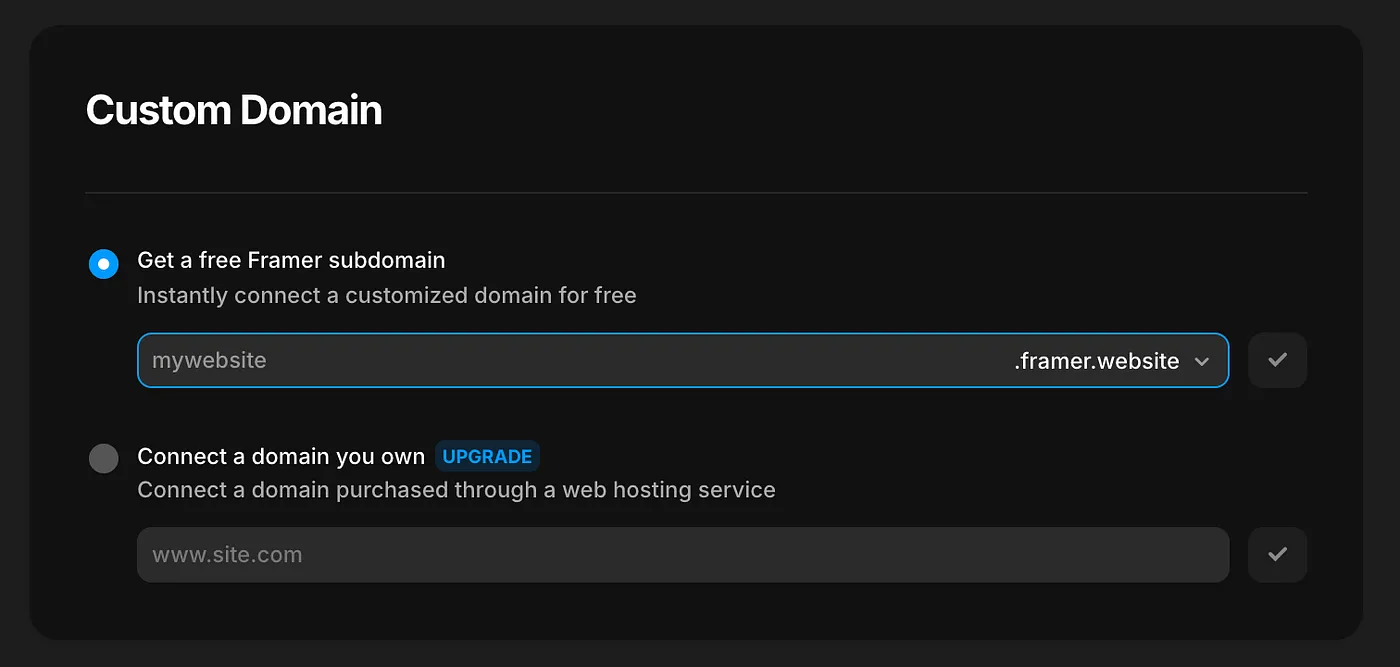
- Add a Custom Domain: After clicking “Publish,” you’ll see an option to “Add Domain.” Here, you can enter the vulnerable domain that you identified:
- For domains under
framer.website, the subdomain is free to use. - For custom domains, there may be a cost associated with using the domain.
- For domains under
References
Note: Only perform subdomain takeover on domains you own or have explicit permission to test. Unauthorized takeover attempts may violate laws and ethical guidelines.